Video
If the embed does not load here, watch it on YouTube.
A community fork of JankyBorders that gives every macOS window a border derived from its own interface, creating a more coherent and intentional desktop.
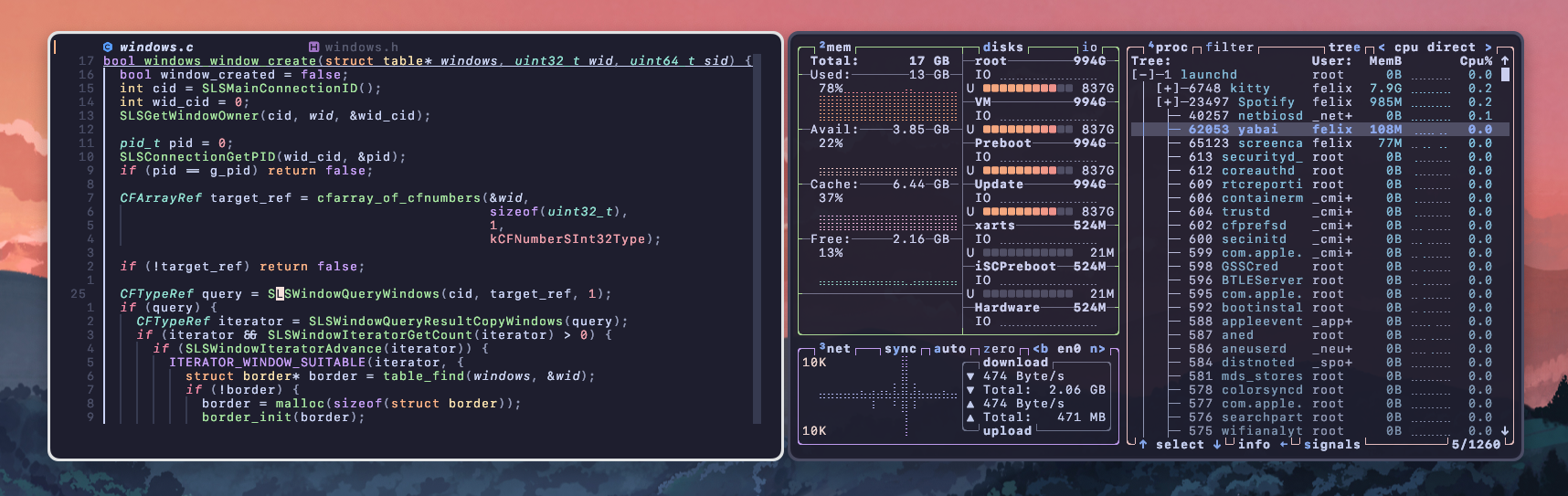
If the embed does not load here, watch it on YouTube.
The automatic mode follows the dominant color in a window header. Inverse mode samples the same area and flips its RGB value for stronger contrast.
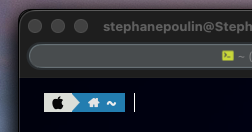

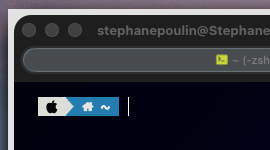
macOS applications do not always agree on corner radii or window treatments. AutoJankyBorders builds on JankyBorders to make those differences feel more deliberate: it samples a thin band from each window header and applies a harmonious border specific to that window.
The original static color options remain available, while the new automatic modes add personality without requiring every application to share the same visual language.
Automatic modes need macOS Screen Recording permission to inspect window headers. Captures stay in memory, are never written to disk or sent over the network, and are released as soon as the color is calculated.
Explore the source, installation guide, configuration options, and complete comparison gallery on GitHub.
Open GitHub Repository